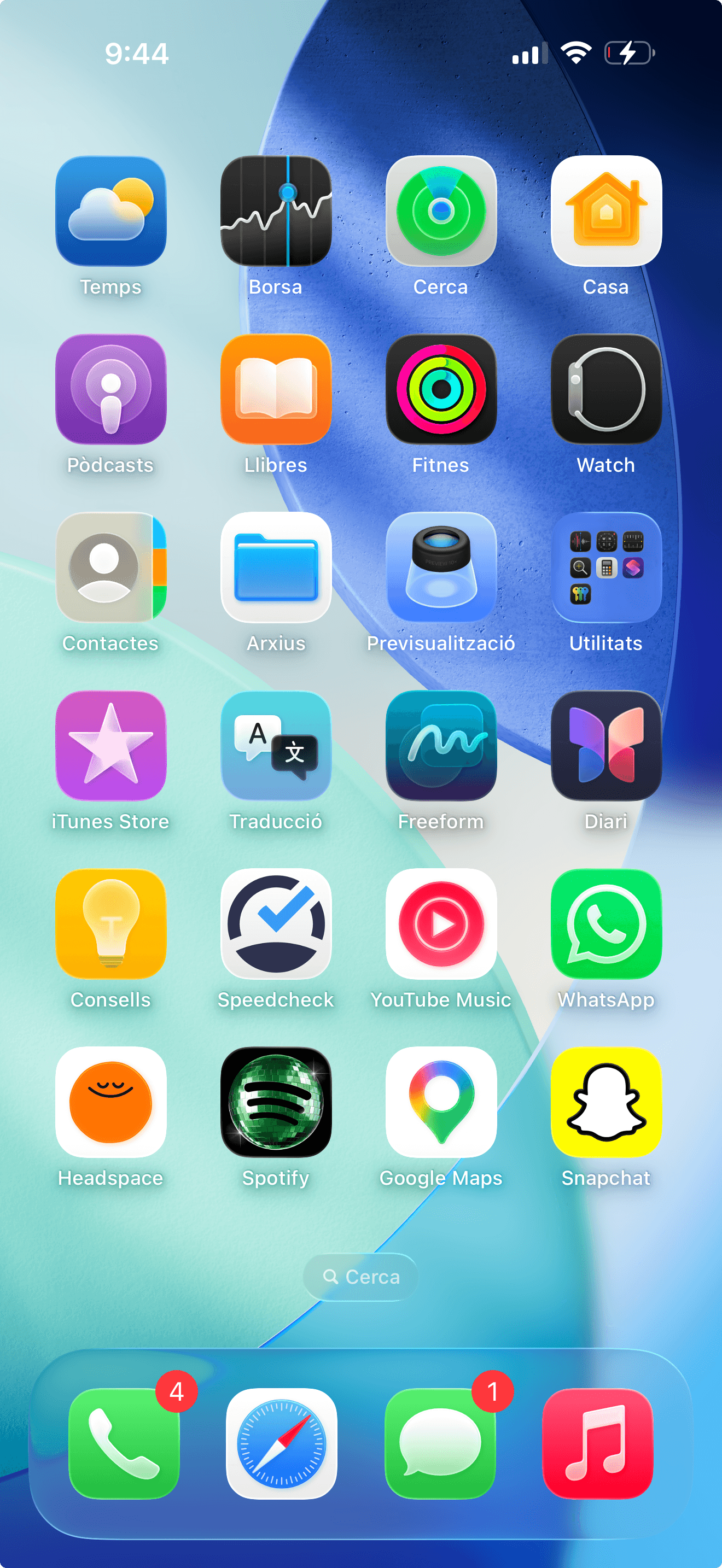
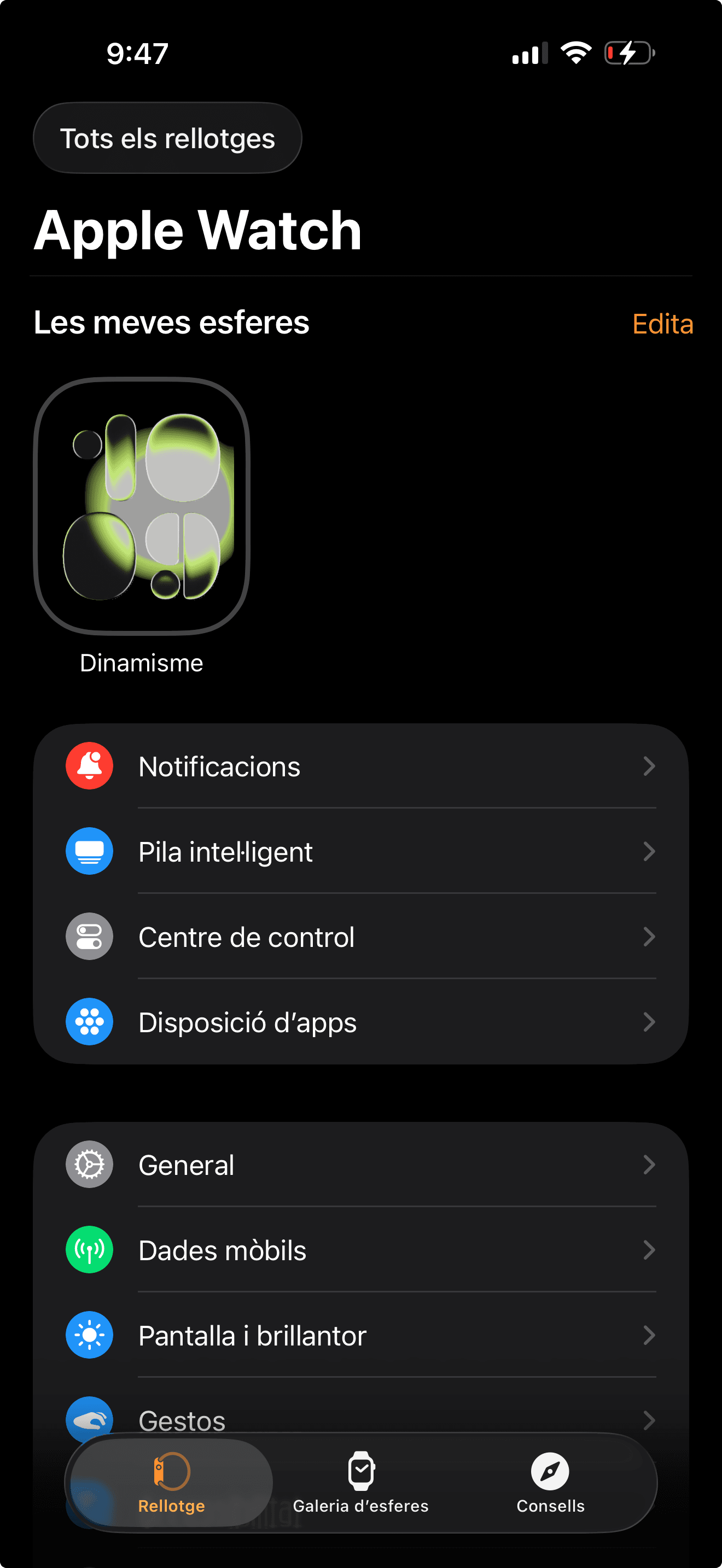
Step 2: Make sure your Apple Watch is paired and tap “Mobile Data”
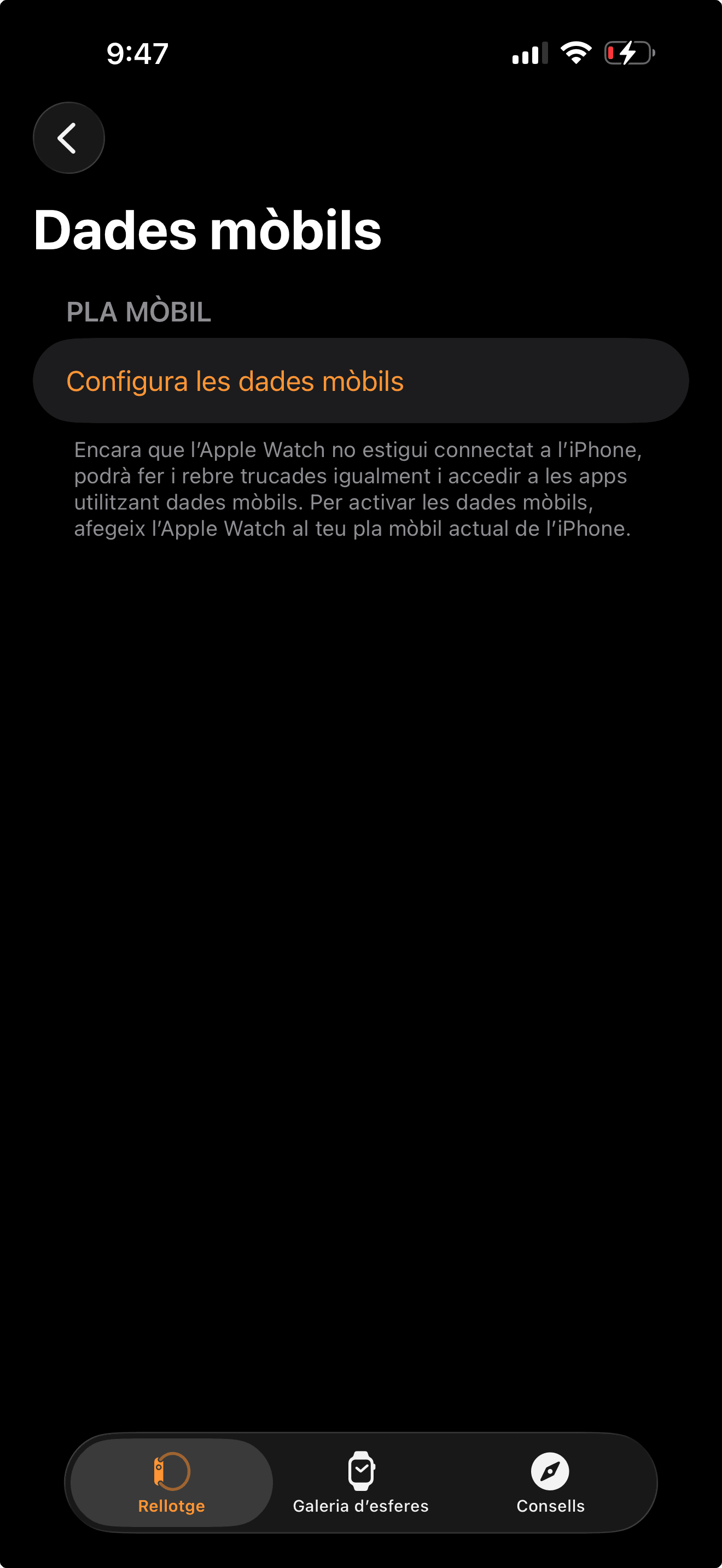
Step 3: Select “Set Up Mobile Data”
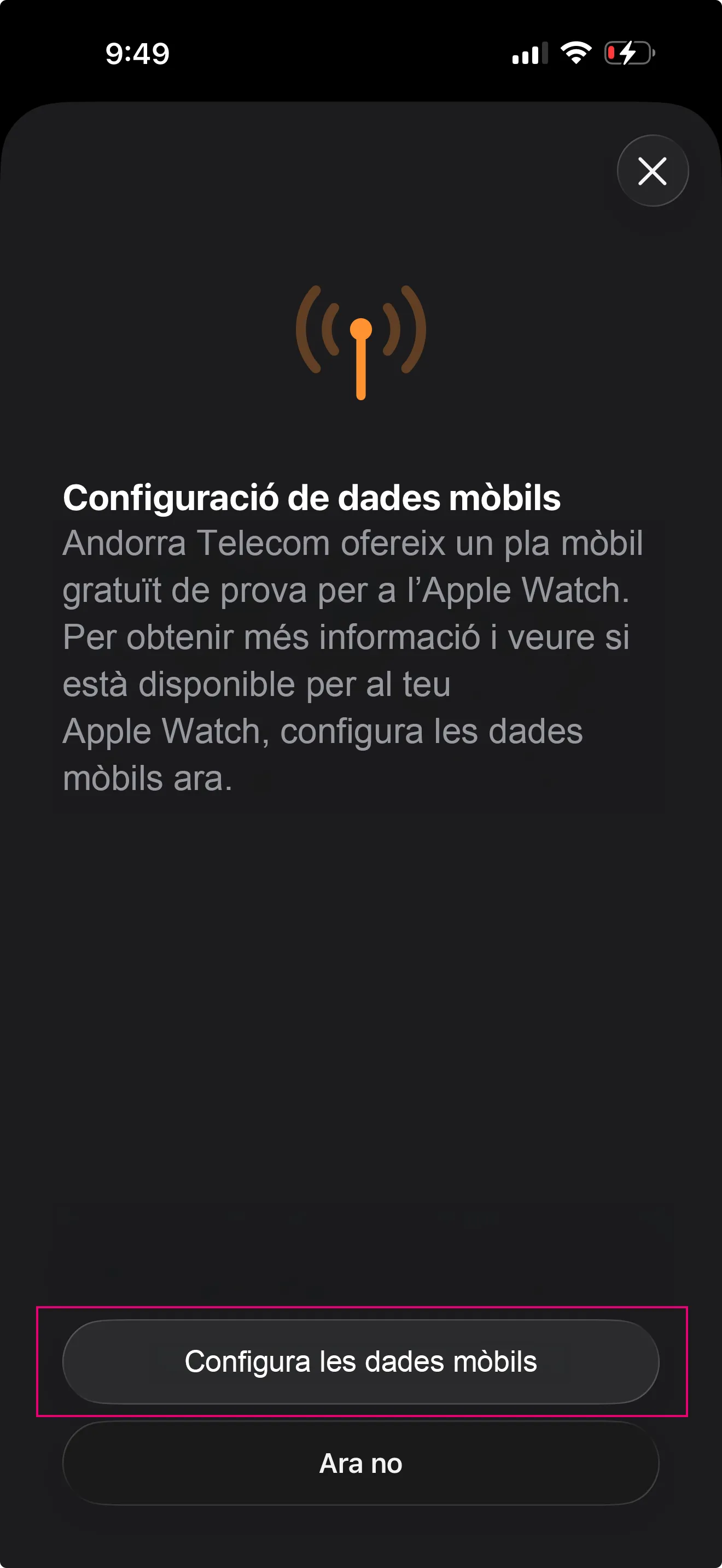
Step 4: Select “Set Up Mobile Data” again
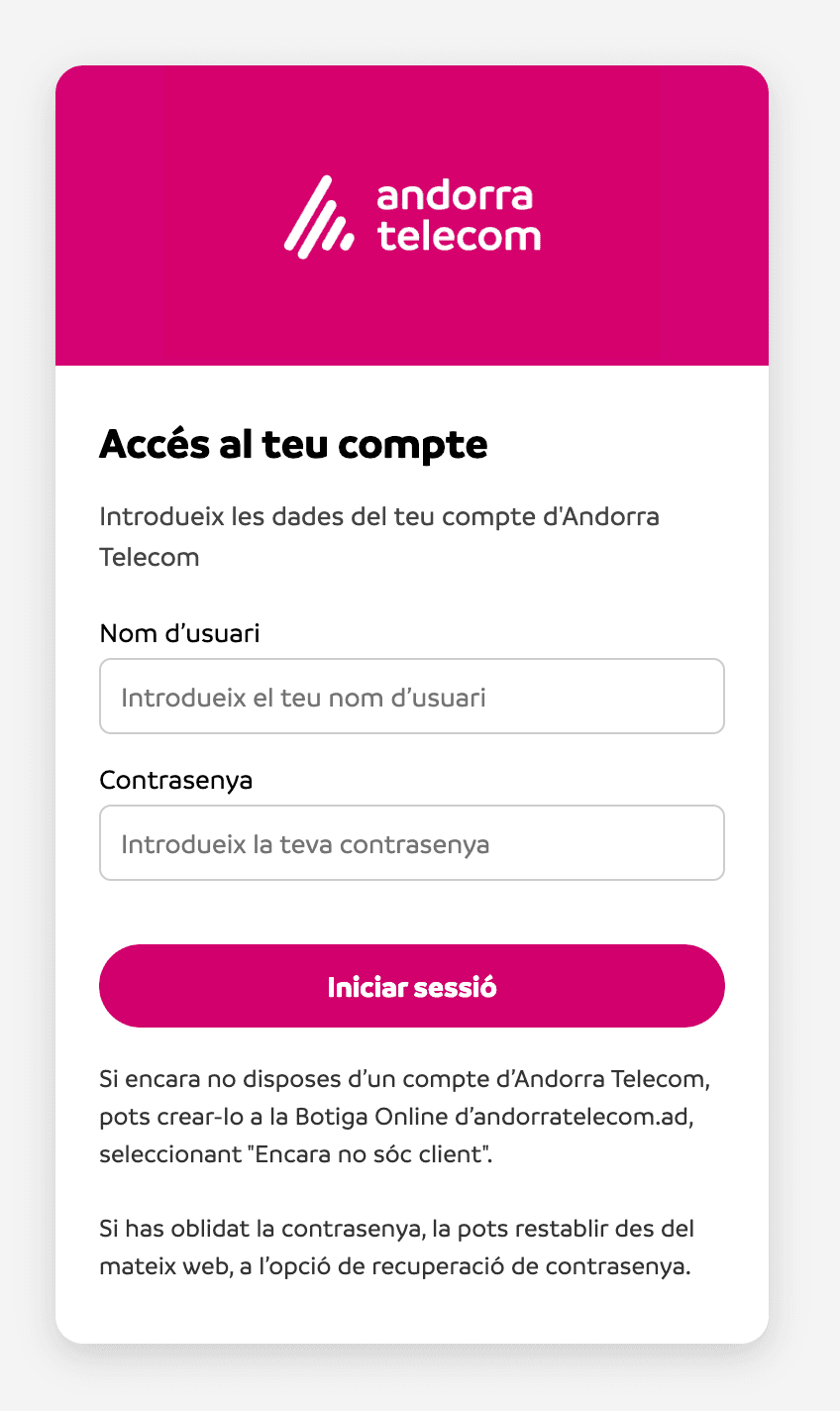
Step 5: Enter your Online Store login credentials
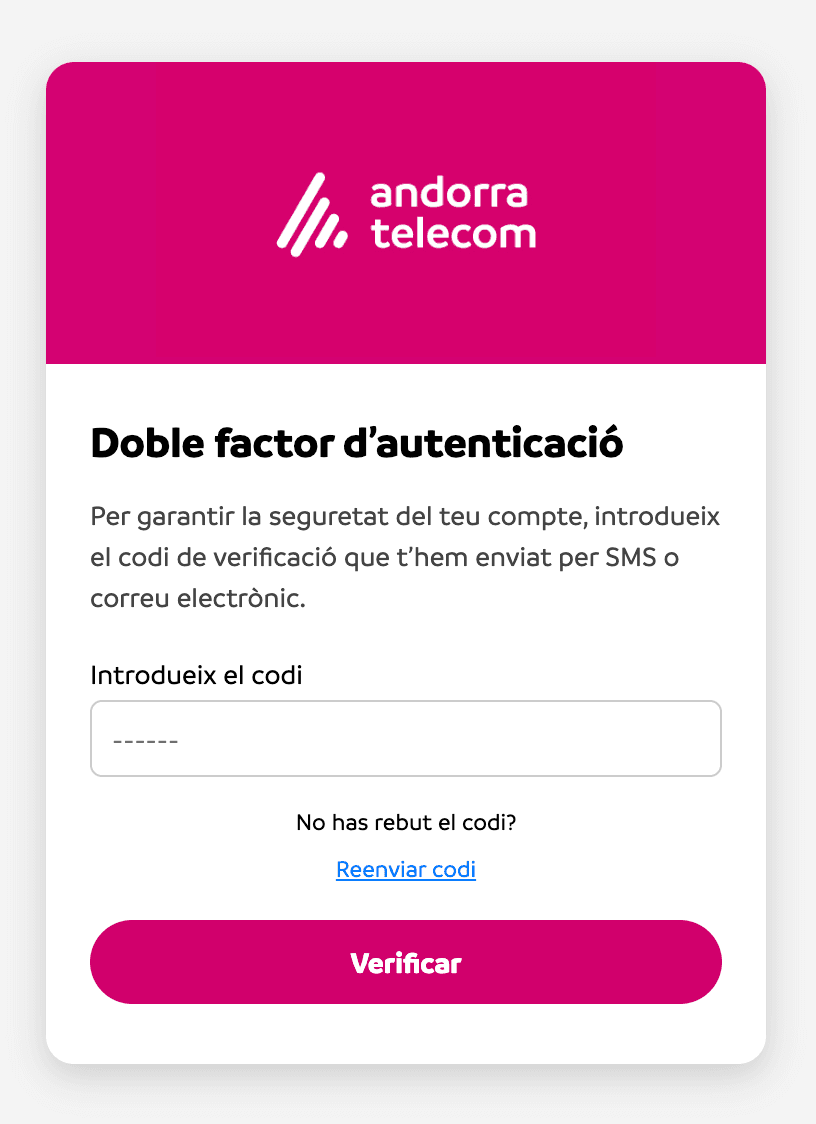
Step 6: For added security, enter the verification code you receive via SMS or email on your iPhone (if configured that way in the Online Shop)
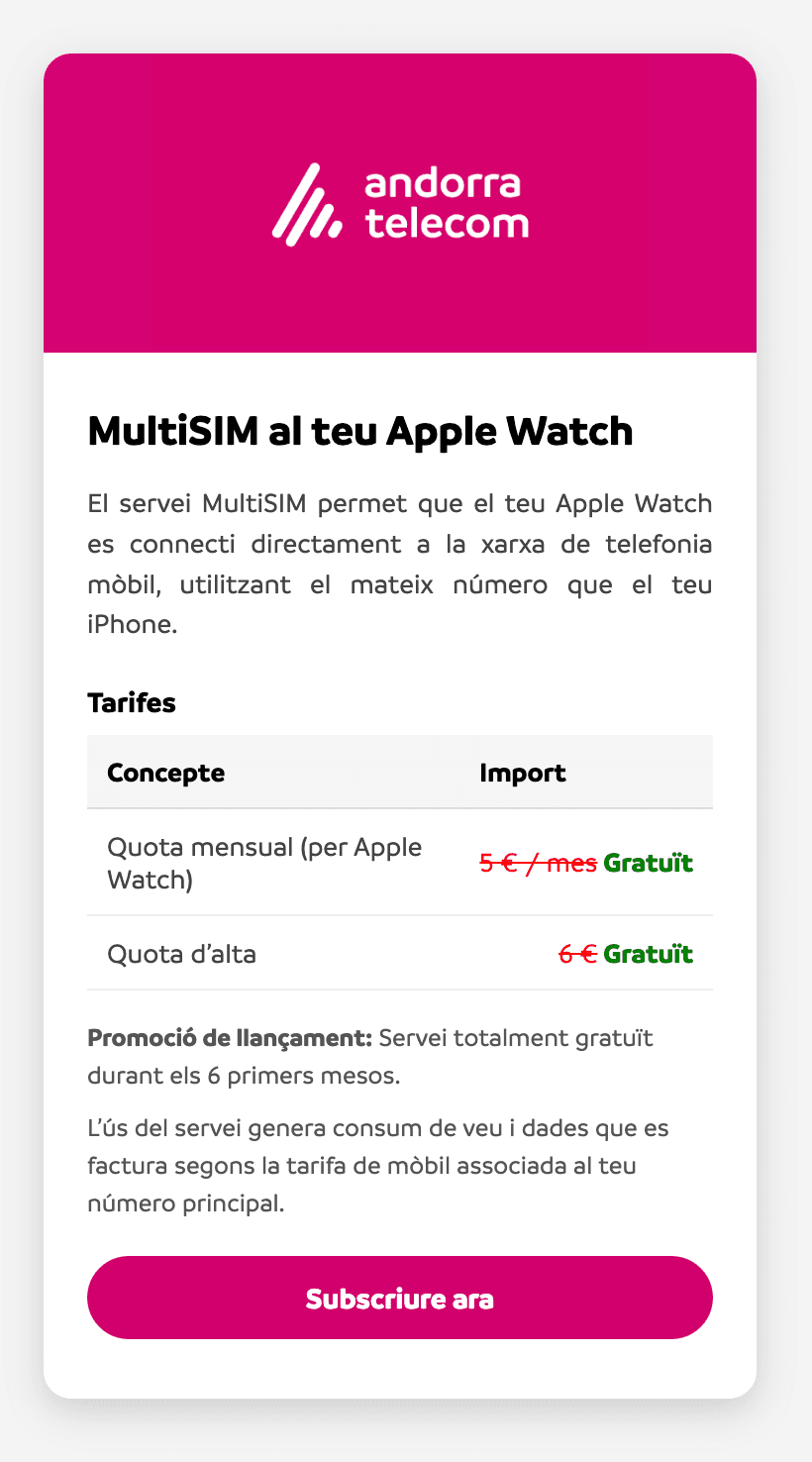
Step 7: Read the service details and tap “Subscribe Now”
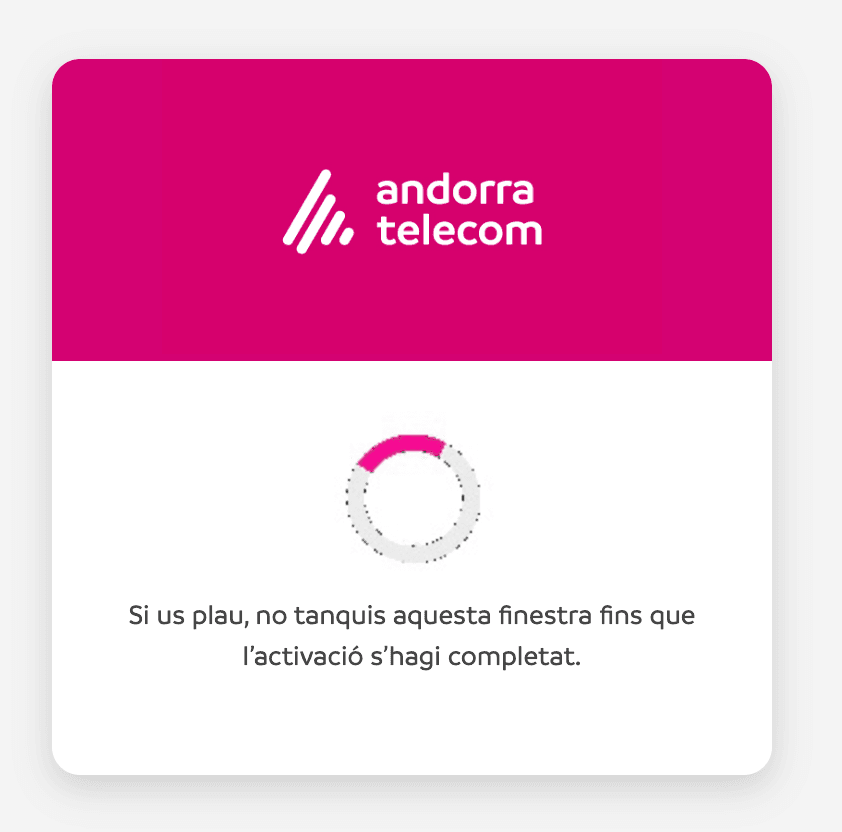
Step 8: Wait for the linking process between your iPhone and Apple Watch to complete
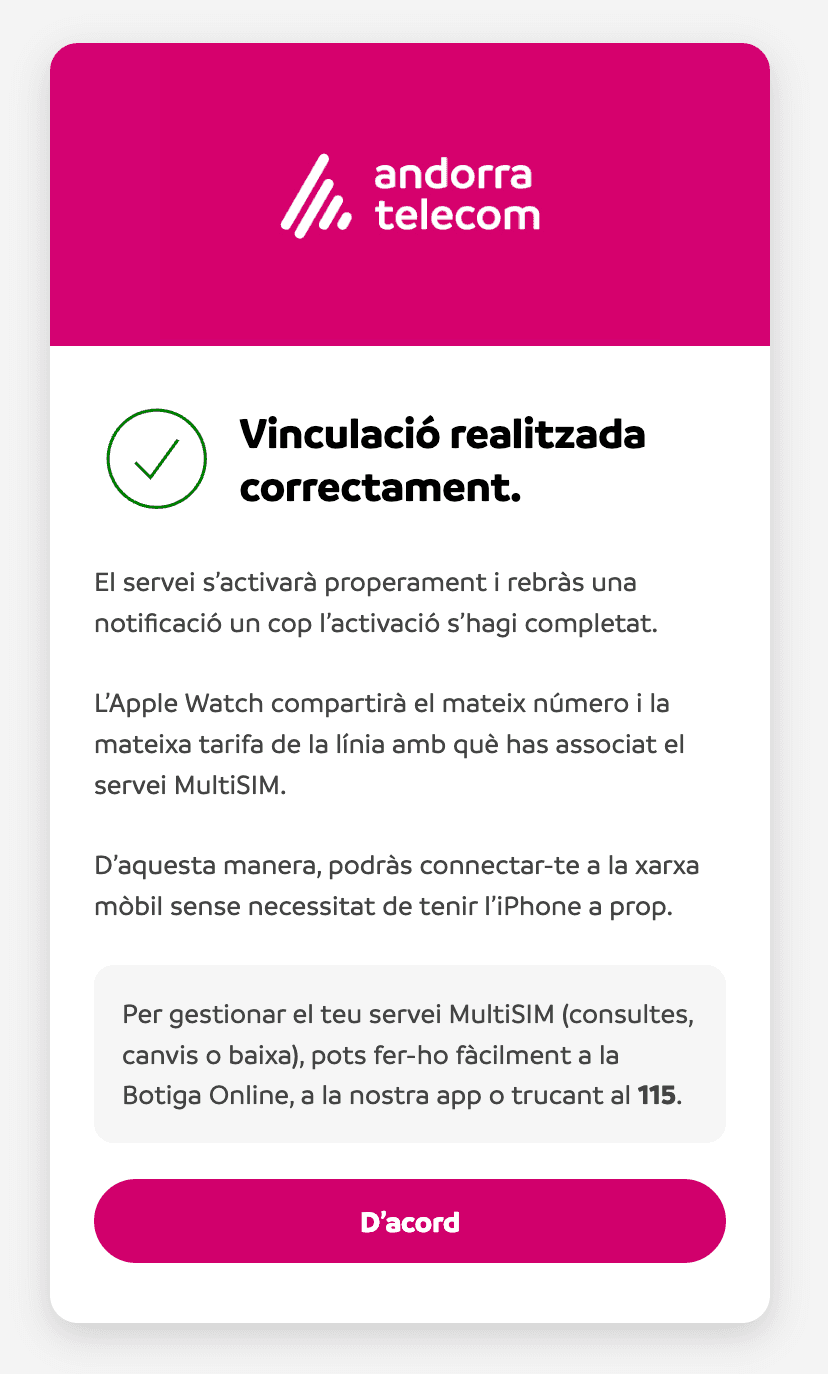
Step 9: Finally, a confirmation message will be displayed
Does it work?
Yes
No
Aquest lloc web utilitza galetes pròpies i de tercers amb finalitats analítiques i per a mostrar-li publicitat relacionada amb les seves preferències a partir dels seus hàbits de navegació i el seu perfil. Pot configurar o rebutjar les galetes fent clic en “Configuració de galetes”. També pot acceptar totes les galetes prement el botó “Acceptar totes les galetes”. Per a més informació pot visitar la nostra